How to Convert Google Sheets to Excel Automatically
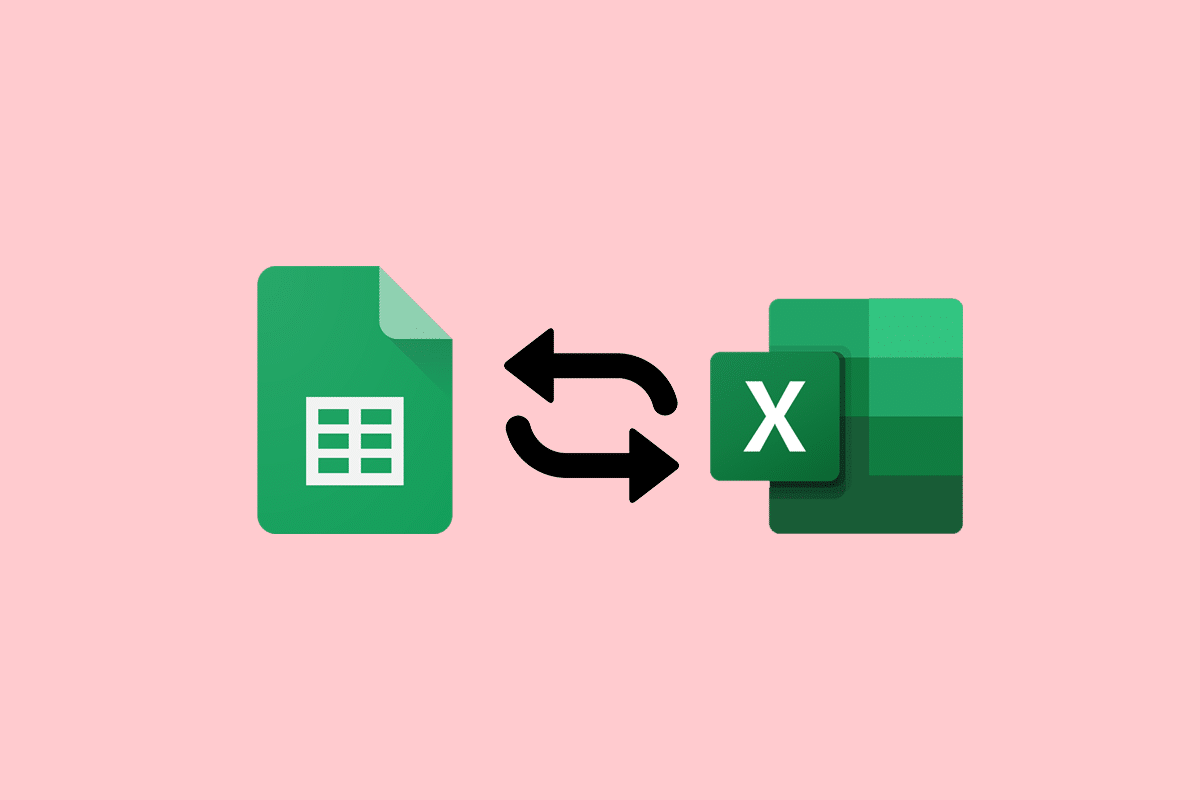
1. Open the Google Sheet you want to convert. 2. Click File > Download as > Microsoft Excel (.xlsx). 3. Select the location where you want to save the file. 4. Click the Save button. Your Google Sheet will now be converted to an Excel file. You can open the file in Excel and make … Read more