6 Ways to Fix the “Sorry, This File Type Is Not Permitted for Security Reasons” WordPress Error + Best Plugins 

1. Check Your File Type: The first step to fixing the “Sorry, this file type is not permitted for security reasons” WordPress error is to check the file type you are trying to upload. WordPress only allows certain file types to be uploaded, so make sure the file you are trying to upload is one … Read more

How to Install WordPress Plugins

1. Log in to your WordPress dashboard. 2. Click on the “Plugins” tab in the left-hand menu. 3. Click on the “Add New” button at the top of the page. 4. Search for the plugin you want to install. 5. Click on the “Install Now” button next to the plugin you want to install. 6. … Read more

How to Become a WordPress Developer

1. Learn the Basics: Before you can become a WordPress developer, you need to learn the basics of WordPress. This includes understanding the WordPress dashboard, themes, plugins, and coding. You can learn the basics by taking online courses, reading tutorials, and watching videos. 2. Get Familiar with HTML and CSS: WordPress is built on HTML … Read more

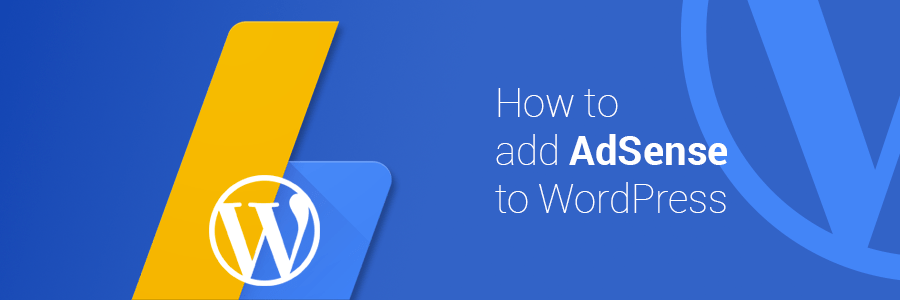
How to Add AdSense to WordPress

1. Install the AdSense Plugin The first step to adding AdSense to WordPress is to install the AdSense plugin. This plugin will allow you to easily add AdSense code to your WordPress site. 2. Create an AdSense Account Once you have installed the AdSense plugin, you will need to create an AdSense account. This can … Read more